

I know my website needs work… but where do I even start?
You can see things you want to improve, but once you start looking, you’re suddenly have 23 new things on the list, 12 tabs open and no idea where to start.
Website Quick Wins helps you stop guessing what to fix, find your top 3 priorities, and actually get them done.

Your website probably doesn’t need everything fixed at once
It might need:
Clearer messaging.
A stronger next step.
Better navigation.
More trust signals.
A mobile tidy-up.
Or simply a few cobwebs cleared out.
The tricky part usually isn’t noticing that something could be better.
The hard part isn’t noticing that something could be better. It’s knowing what actually matters first.
Instead of another giant website to-do list…
You’ll work through 10 practical checks, spot where the biggest friction is and choose the three useful improvements you can realistically tackle now.
No fixing everything.
No disappearing into a website rabbit hole.
Just a clear place to start.

By the end, you’ll have…
👉 A clearer idea of what’s worth fixing
👉 Your Top 3 Website Quick Wins
👉 A realistic plan for tackling them
👉 Bigger website projects safely parked for later
👉 A clearer sense of what you can ignore for now
And a website that already feels a little clearer, easier to use and more under control.


Website Quick Wins is for you if…
You already have a website but you know parts of it need attention
Your business has evolved and your website hasn’t quite kept up
You keep spotting things to fix but have no idea what matters most
You want to make useful improvements without turning it into a full redesign project
You want a clear place to start instead of another enormous website to-do list
Probably not for you if: you’re building your very first website from scratch. Website Quick Wins is designed to help you improve and prioritise an existing website.
What’s inside Website Quick Wins
👉 A practical 30 minute training
Work through the 10 areas I’d check first when a website feels like it needs “something” but you’re not sure where to begin.
👉 10 Quick Win implementation guides
For each check, you’ll see what to look for, why it matters, simple fixes you can make and when something is actually a bigger project.
👉 Your Website Quick Wins Action Guide
Capture what you notice as you go, then choose your Top 3 so you’ll finish with an action plan rather than a notebook full of problems.
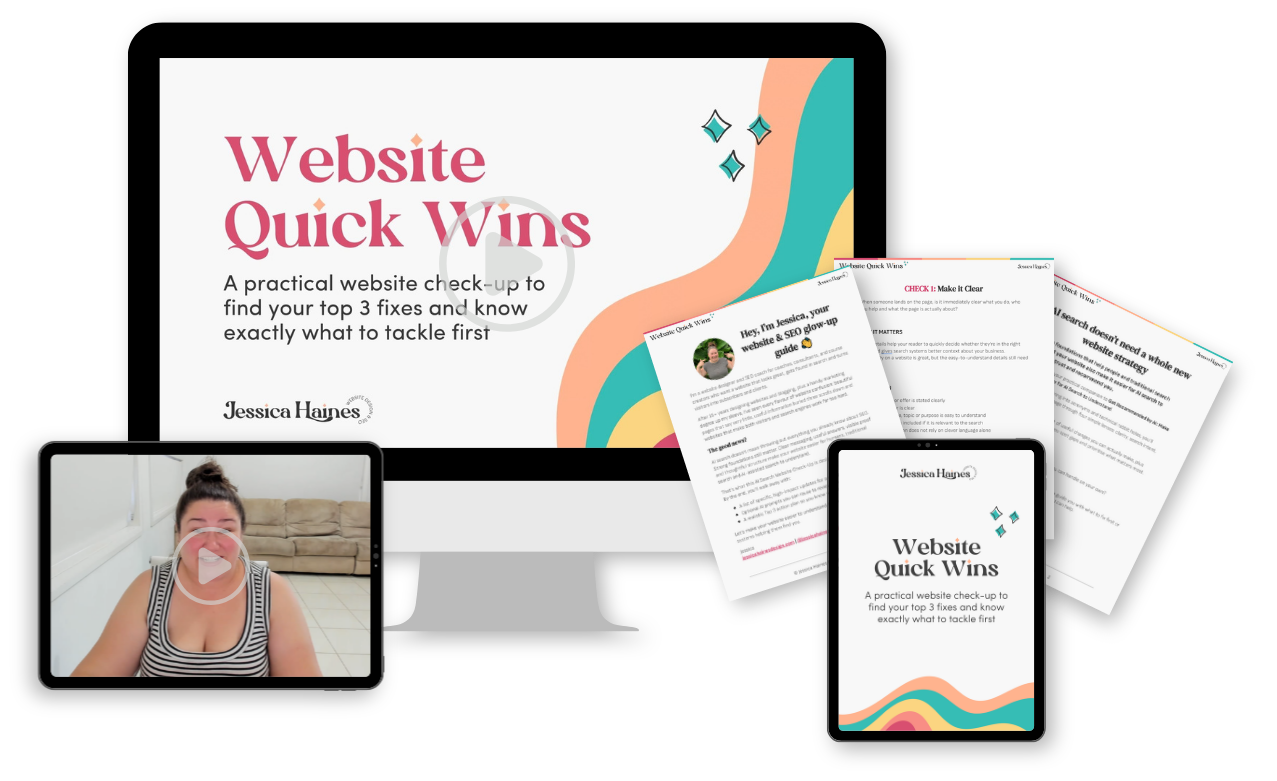
The Website Quick Wins we’ll check:
-

Make it obvious what you do
Can a new visitor quickly understand what you offer, who it’s for, and why it matters?
-
Give every page a clear job
Does each important page help your visitor understand, decide, or move forward?
-
Make the next step obvious
Are your calls to action clear, useful, and easy to find?
-
Make it easy to get around
Can people actually find the important stuff without decoding your navigation?
-
Make it easy to read
Are your pages scannable, clear, and comfortable to use?
-
Build trust
Are you giving people enough proof, experience, expertise, and reassurance to feel confident?
-
Feel polished and consistent
Does the website feel intentional, or has it slowly accumulated five different versions of your business?
-
Works properly on mobile
Can people read, tap, scroll, and take action comfortably on a smaller screen?
-
Has the important stuff working
Forms, buttons, links, booking paths, downloads, and other essentials.
-
Has cleared out the cobwebs
Old offers, outdated copy, dead links, forgotten banners, and other bits that quietly pile up over time.

“But what if I find something that isn’t a quick fix?”
Then we don’t pretend it is one.
Part of the process is learning to separate:
👉 Do now: Useful, achievable improvements worth tackling first
👉 Do next: Worth doing, but not urgent
👉 Bigger project: Something that needs deeper strategy, copy, design, development or specialist help
You don’t need to solve every website problem to make your website better today.
You just need to know what’s worth doing first.
Nice little bonus:
Clearer messaging, page structure, useful internal links, trust signals and better mobile usability can also make your website easier for Google and AI tools to understand.
Not the main goal, but definitely a nice side effect.
What it’s like having me in your corner
-
“Jessica's advice was invaluable. She came up with practical solutions and ideas to really improve my website, and she's very easy to work with. Highly recommend her!”
- Jaime Cox, copywriter
-
“Jessica has completely changed how I feel about my website for the better!”
- Kathleen Robb, naturopath
-
“This is tremendous, and I absolutely love your notes and how thorough you are! The visuals are super helpful, and I love the checklists too. It's so helpful for my artistic scatterbrain.”
- Sarah Elizabeth, makeup artist

Hey, I’m Jessica.
I’m a website designer and SEO coach, and I’ve spent years helping service-based business owners untangle websites that feel outdated, confusing or just a little off.
When you’re close to your own website, it’s really hard to tell what matters, what can wait and what’s just another shiny thing to tweak.
Website Quick Wins gives you the same kind of lens I use when reviewing websites: look for the friction, separate the useful fixes from the bigger projects, and focus your energy where it can make the biggest difference.
I’ve been creating websites for 15+ years, and I spend a lot of my time helping business owners make their websites clearer, easier to use, and easier to find.
Stop trying to fix everything
You don’t need a perfect website.
You need a clear next step.
What matters most?
What can you realistically improve now?
What are your Top 3?
That’s exactly what Website Quick Wins helps you work out.
Website Quick Wins
30 minute training
10 practical website checks
Implementation guides
Website Quick Wins Action Guide
Top 3 prioritisation process
Answers to your Questions
-
The core training is around 30 minutes. You can work through the checks in one sitting or come back to the implementation guides as you make changes.
-
No. The principles apply to service-based websites across platforms, although examples may naturally come from Squarespace because that’s where I spend most of my time.
-
No, and that is very much on purpose. The goal is to help you identify the useful improvements worth acting on now, not produce the longest possible list of things you could change.
-
Probably not. If you uncover something that needs deeper strategy or a bigger redesign, you’ll know to park it rather than letting it derail the Quick Wins you can make now.
-
Shoot me an email at hello@jessicahainesdesign.com and I’ll help you out 🙂